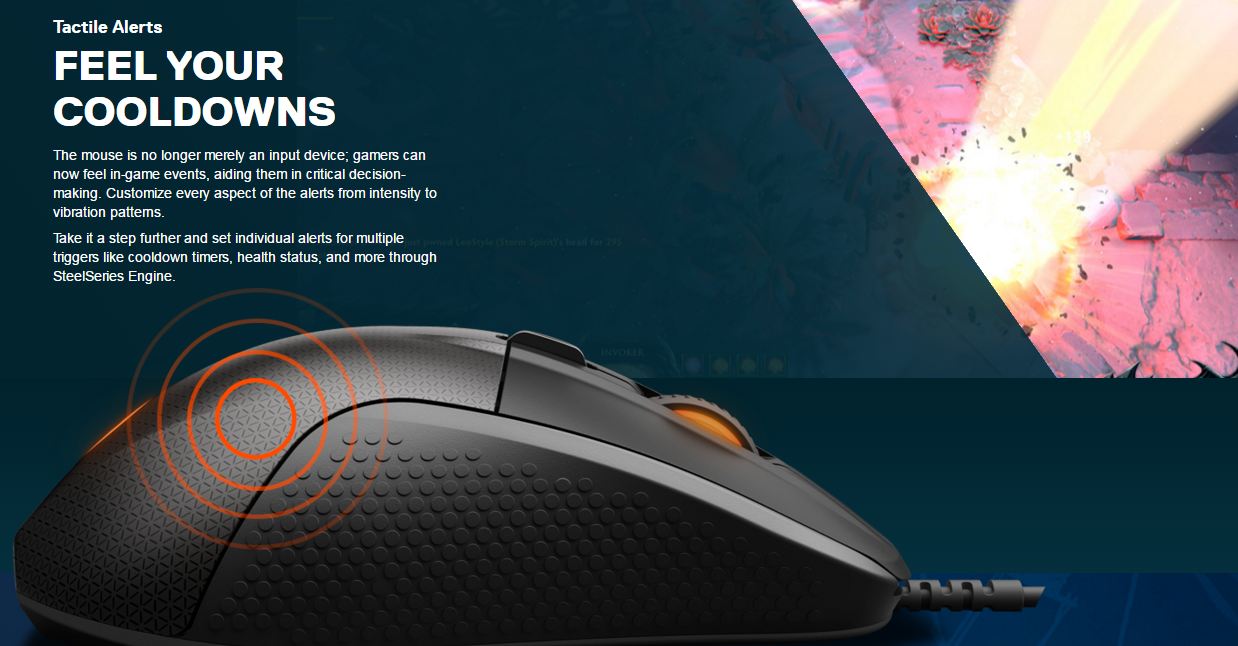
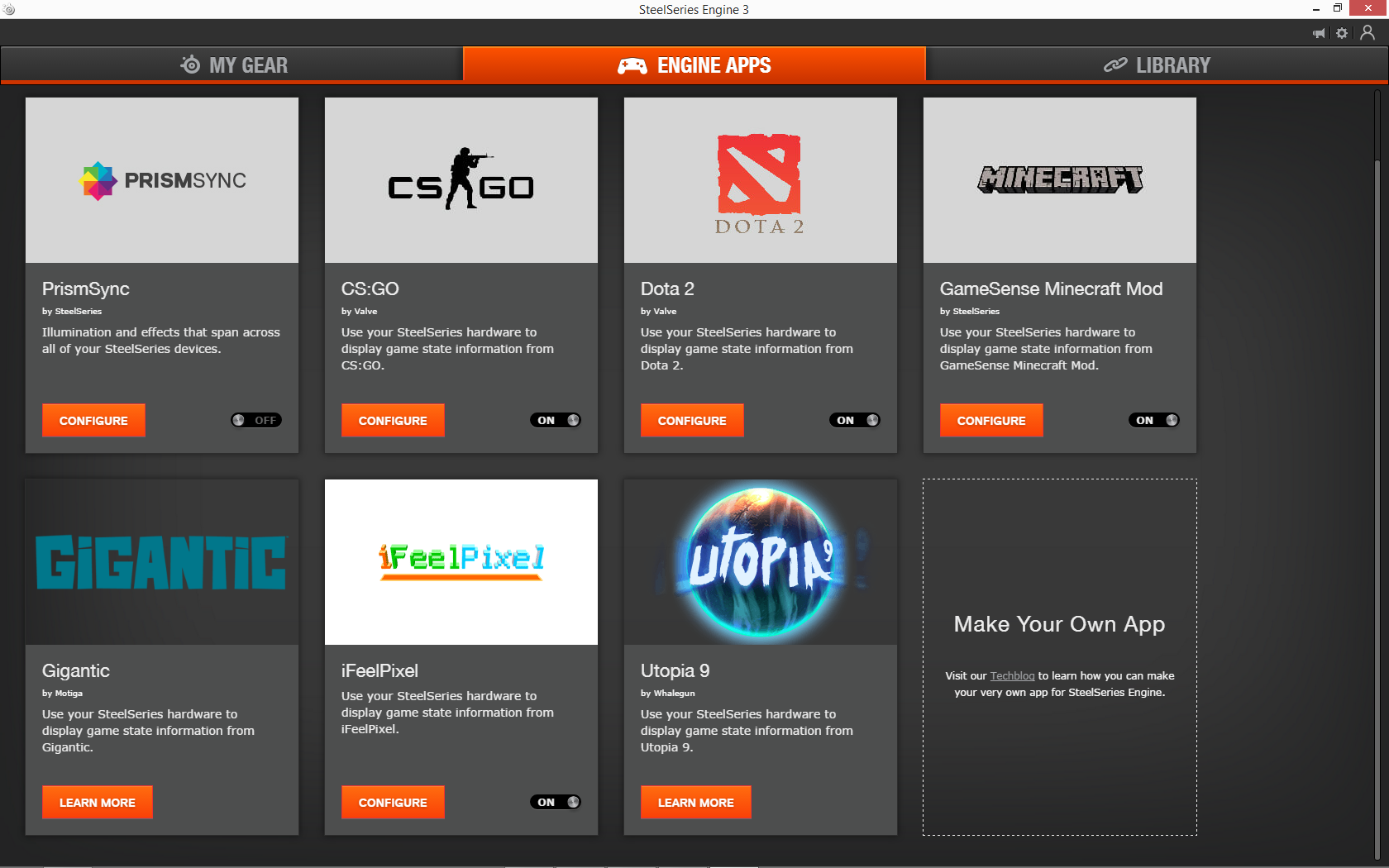
iFeelPixel™is an universal application designed to create audio-tactile and visio-tactile sensations based on pictures elements. Use this while using your desktop computer, playing games, watching websites, or simply leave it running in the background while using any Windows program. Any pictures elements generated by your computer and being under your cursor position on screen, will be represented with a subjective audio-tactile sensation on an Haptic device and a sound card.
It's the first multimodal software that allows a user to feel the pixels
on the screen with haptic feedback, visual feedback and auditory feedback. There are infinite possibilities...let's
explore the senses of touch, vision and hearing! It works in parallel with
existing access
technology.
iFeelPixel™adds
excitement entertainment and presence to pictures on computers.
It
engages your sense
of touch, vision and
hearing for
a more natural, intuitive experience.
The feeling of "being there" is more important.
Here are some suggestions for you to try:
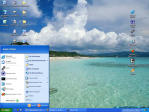
Improving computer graphical interfaces (feeling the icons, windows, buttons, menus, etc.). Helping visually impaired persons (facilitating computer access by simplifying use of mouse). Point,
Feel and Click; Feel your desktop for improved accuracy. Feel
contours and shapes of icons on your desktop computer. Feel
mouse cursor flickering in forms and applications. Feel
a screen border or a border line. Feel
the hyperlinks on web sites. Collision
detection system. Feel
the text on screen.
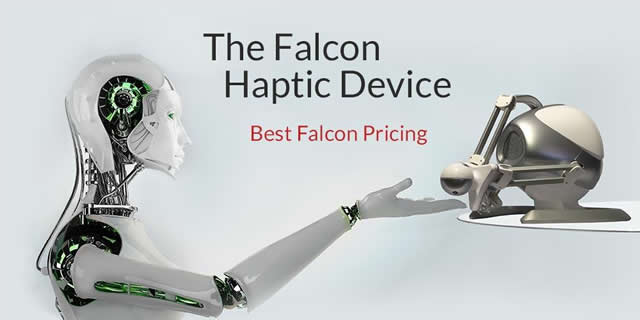
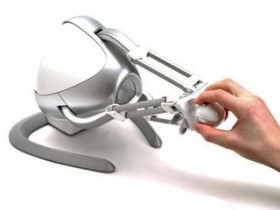
iFeelPixel and Novint develop 3D haptic technology and products that enable people to experience a realistic sense of touch using their computer. Using our 3D haptic interface device, the Novint Falcon, and patented 3D haptic software, computer users may feel 3D objects, feel their shapes and textures, feel the dynamic properties of objects, and feel many other effects. The Novint Falcon gives force feedback through interchangeable handles that a user holds on to. Forces are created through the use of 3 electrical motors, 1 motor connected to each of the 3 arms in the device. The 3 arms connect to the device’s handle. The Novint Falcon is, essentially, a small robot, yet its industrial design is something that consumers will enjoy having on their desktop. Although it gives extremely complex 3D haptic interactions, it is beautiful in its fundamental simplicity and elegance.
Using this interface, any kind of visual information can be presented with real time force feedback.
Take
Gaming to The Next Level.
With
F-gen, the universal drivers developed by Novint Technologies for the Novint Falcon Video Game Controller, you can instantly feel force feedback on your
PC games, old or new. It's a force feedback gaming utility
that opens in the background while you play your favorite
game.
The button pression function for the Novint Falcon allow to players to play any games with force feedback, you
can interact with items or characters under the cursor (mouse pointer).
The Novint Falcon is an entirely new type of game controller. Replacing your mouse or joystick, the Falcon is, essentially, a small robot that lets you experience true virtual touch unlike any controller in history.
The Novint Falcon lets you control a game in three dimensions, and also lets you feel high-fidelity three-dimensional force feedback. The Falcon controller moves right and left, forwards and backwards, like a mouse, but also moves up and down. When you hold the Falcon’s detachable Grip and move your cursor to interact with a virtual object, environment, or character, motors in the device turn on and are updated approximately 1000 times a second, letting you feel texture, shape, weight, dimension, and dynamics. The Falcon lets you control and interact with games in more realistic way, allowing you to develop real physical skill and muscle memory, adding a new dimension to gaming.
Hold the Falcon’s interchangeable Grip and feel a character’s actions, instead of controlling a game with mouse-clicks and meters. Feel the weight of a basketball as you shoot it towards a hoop, the momentum and impact as you swing a virtual golf club and strike a ball, the recoil of a weapon or the physical characteristics of virtual objects and environments.
Relief perception in your images or personal pictures
Improving web pages with new types of effects concerning the cursor (feeling relief, attractive/repulsive areas, and so on)
With iFeelPixel, the web becomes more intuitive and
natural. Try it now with visual force feedback (Pseudo-haptic requires Flash Plugin)!
Benefits:
The force feedback mouse vibrates in relation to brightness and
is attracted in the direction opposite to the brightness
gradient.
Crossing an edge in which the gray level increase correspond to moving
over a raised edge, and an oppositional force is applied (to the user this feel like moving
over an edge). Conversely, moving between two areas in which the gray level decrease
cause a force to be applied towards the lower area. This give a good sense of a range of
different heights with the mouse. This method is simplistic but work well for certain
types of objects:
• Objects with many varied textures
• Objects with strong, simple edges
Potential Benefits for Virtual Museums (Online Museums):
• Allow long distance visitors (remote users)
• Improve access for visually disabled people
• Increase the number of artefacts on display
• Allow rare, fragile or dangerous objects to be handled
• Allow the visual displays to be extended to make them more realistic, useful and engaging for visitors and scholars (provide better experiences)
• Less eye strain
Possibilities list:
Immersion's TouchSense(R) touch feedback improves user productivity (speed
and accuracy). It also makes operation more intuitive and multimedia
content more realistic and fun. By involving the sense of touch, haptics
gives:
- Touchscreens of all types the ability to "touch back" with
unmistakable confirmation.
- Mobile and office phones more efficient and intuitive operation for an
ever-growing number of features.
- Gaming systems greater realism, excitement, and enjoyment.
- Industrial commercial systems safer, more efficient, and more
accurate control in distractive environments.
- Possible Uses of Haptic Devices in Education
Each visual image generated by your computer
can be analyzed, it means you can feel everything!
The possibilities are as limitless as your imagination.
If
you have any questions, ideas or suggestions,
please contact us!
Please read the research paper 'What you see is what you feel' by Koert van Mensvoort that introduces optically simulated haptic feedback. You can also dowload the complete book.
Note: This
description is based upon TouchWare Gaming description model,
created by Immersion
Corporation (TouchWare Gaming product has been discontinued).














 iFeelPixel™ is an universal application designed to create audio-tactile and visio-tactile sensations based on pictures elements. Use this while using your






 Note: This
description is based upon TouchWare Gaming description model,
created by Immersion
Corporation (TouchWare Gaming product has been discontinued).
Note: This
description is based upon TouchWare Gaming description model,
created by Immersion
Corporation (TouchWare Gaming product has been discontinued).